Too many newsletters? Turn them into a 5-minute morning listen
Ten newsletters can add up to an hour of reading a day. How to cut the list, get them out of your inbox and hear what matters in five minutes.
The Dose team · · 3 min read
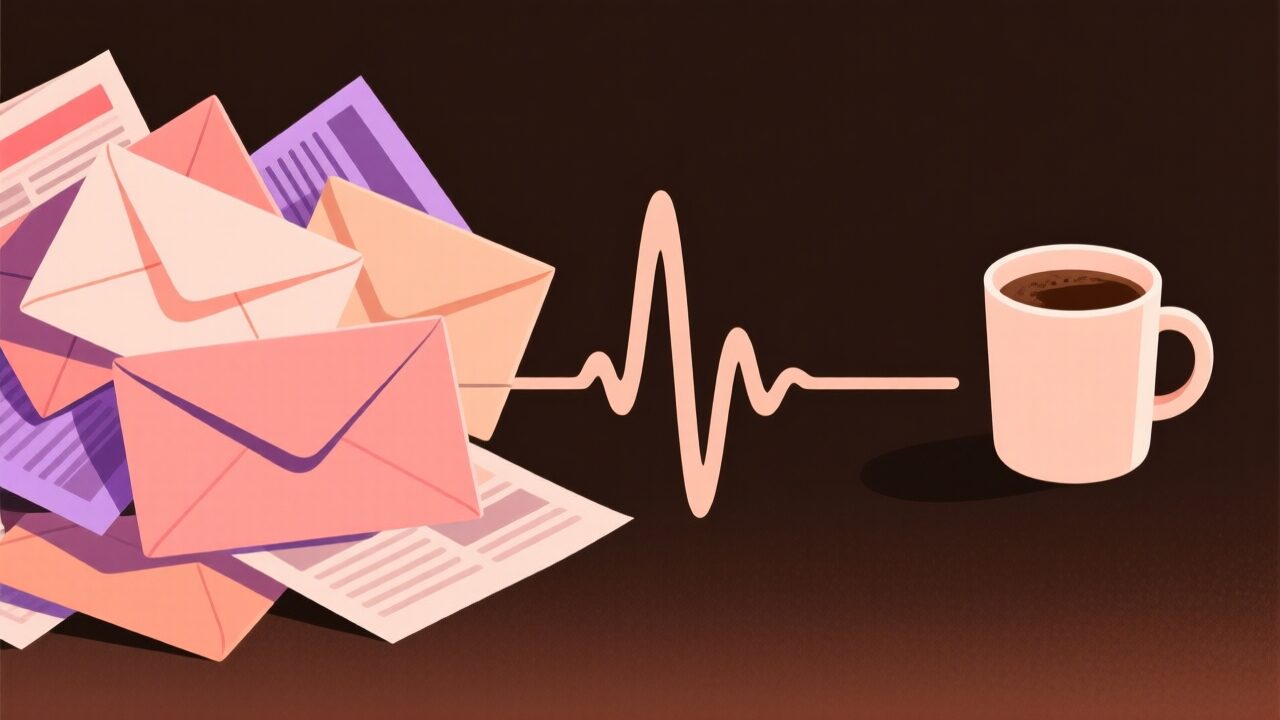
Subscribing takes two seconds. Reading takes a lot longer, and nobody does that math when they type their email into a signup box.
So let’s do it. A typical newsletter runs somewhere between 1,000 and 2,000 words. Say you get ten of them and they average 1,500: that’s 15,000 words. The average adult reads English non-fiction silently at about 238 words per minute, according to a meta-analysis of 190 studies by Marc Brysbaert. Fifteen thousand words at that pace is 63 minutes. Every day.
Nobody has that hour, which is why the unread count keeps climbing and the newsletters you actually wanted get buried with the ones you forgot you signed up for. The fix has four steps, and only the last one involves audio.
Cut the list first
Summarizing twenty newsletters you don’t care about just gives you a shorter pile of things you don’t care about. Start by removing senders.
Gmail has a page for exactly this. In the left menu, click More, then Manage subscriptions. It lists your subscriptions sorted by the senders who email you most, with a count of how many messages each sent in the past few weeks, and an unsubscribe button next to each one. Google started rolling it out in July 2025 on web, Android and iOS, so it may not show up in every account yet.
In Outlook, Sweep can delete everything from a sender, keep only their latest message, or delete anything older than 10 days.
A rule that works: if you haven’t opened the last five issues, unsubscribe. You won’t miss it. If you do, it takes two seconds to come back.
Get them out of the inbox
Newsletters and emails from people compete for the same attention, and the newsletters usually win because there are more of them. Separate them.
In Gmail, search for a sender (or several: from:([email protected] OR [email protected])), click Create filter and tick Skip the Inbox and Apply the label, with a label like “Reading”. The full steps are on Google’s filters page. In Outlook, right-click a message and choose Rules > Create rule to move it to a folder automatically.
Now your inbox is people again, and the newsletters wait in one place without sending you a notification each.
Give them one slot a day
Reading each issue as it arrives means switching into it eight times a day. Reading them all at once, at a time you picked, means switching once. Morning works well for newsletters because most of them are about what happened yesterday.
The problem is that morning is also the busiest half hour of the day. You’re making coffee, getting dressed, maybe getting someone else out the door. Your hands and eyes are busy. Your ears usually aren’t.
Listen to a summary, not the whole thing
Here’s the part people get wrong: listening is not faster than reading. Audiobooks are narrated at 140 to 180 words per minute, according to the same Brysbaert review, which is slower than the 238 you read at. Having all 15,000 words read aloud would take you an hour and a half.
The time saving comes from the summary. Five minutes of speech is about 775 words at a normal narration pace. Going from 15,000 words to 775 is a 20-to-1 cut, and for most newsletters it’s the right one: the three stories worth knowing about, the one number that matters, and the link you want to open later.
You can put this together yourself. Paste the day’s newsletters into an AI assistant, ask for a spoken-style summary of about 700 words, and play it with your phone’s read-aloud feature. It works. It’s also ten minutes of copying and pasting every morning, which is the kind of habit that lasts about a week.
Or let it happen on its own. Dose, coming soon to Google Play, is built around this idea: its Inbox digest recipe gives you a forwarding address of your own. You point a Gmail filter or an Outlook rule at it, and every morning Dose turns whatever arrived since yesterday into a short spoken summary that rings on your phone at the time you chose, like an alarm. Because it works by forwarding, it never needs access to your email account.
What a summary loses
Some newsletters are worth reading whole. A good essay loses most of what makes it good when it’s squeezed into three sentences, and the writer’s voice is usually the first thing to go.
So keep one or two of those as reading, and send the rest to the summary. The news roundups, the deal alerts, the industry updates, the “five links this week” issues: those are the ones that fit in five minutes.